Translate products and pages.
Start with the published content your shoppers rely on, from product descriptions to store information.
FOR SHOPIFY STORES
Translate your products and pages, publish with Shopify Markets and give shoppers an AI assistant that answers from your store’s published content.
3,000 translated words in one language and 20 assistant replies free.
Allowances renew every 30 days, per website. Manage paid plans in Shopify.
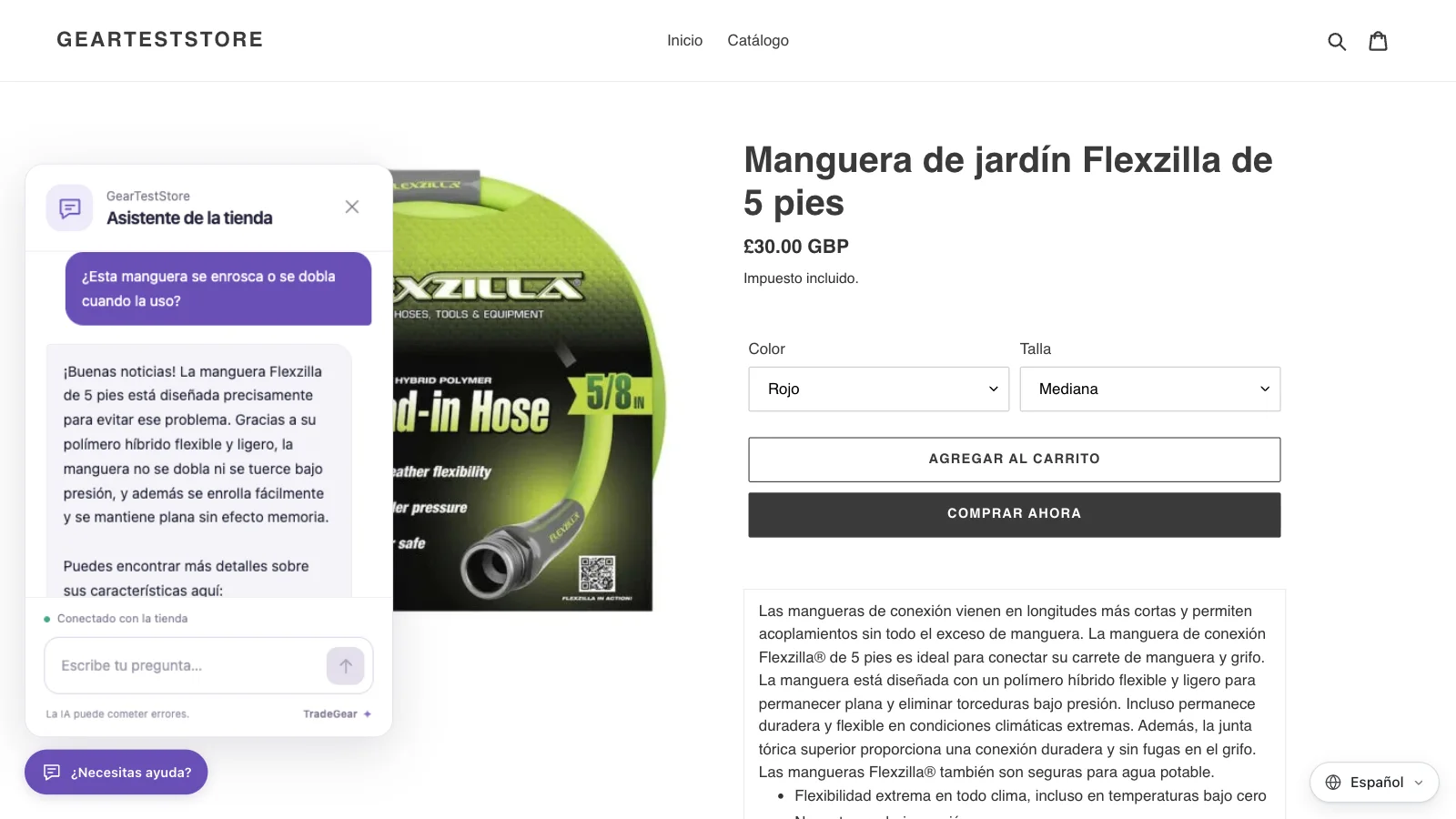
Review translations before making a language available in the markets you serve.
Start with the published content your shoppers rely on, from product descriptions to store information.
Shopify manages language URLs, hreflang and sitemaps for published languages. Check that shoppers and search engines can reach the localized pages.
Enable the TradeGear languages app embed to help visitors find the languages your store has published.
Use the same published products, pages and policies to help visitors before and after purchase.
The multilingual AI assistant uses the public content you share and can link shoppers to the relevant page.
Include published products and pages you want shoppers to find, including delivery and returns policies.
Ask a question in a language you serve and follow the source link to see where the answer came from.
Set up translation and the assistant directly from your Shopify admin.
Open the app from Shopify Admin and connect your store there.
Choose a language, review translated content and publish the language in Shopify.
Enable the language switcher and assistant app embeds in your published theme, then check the live storefront as a visitor.